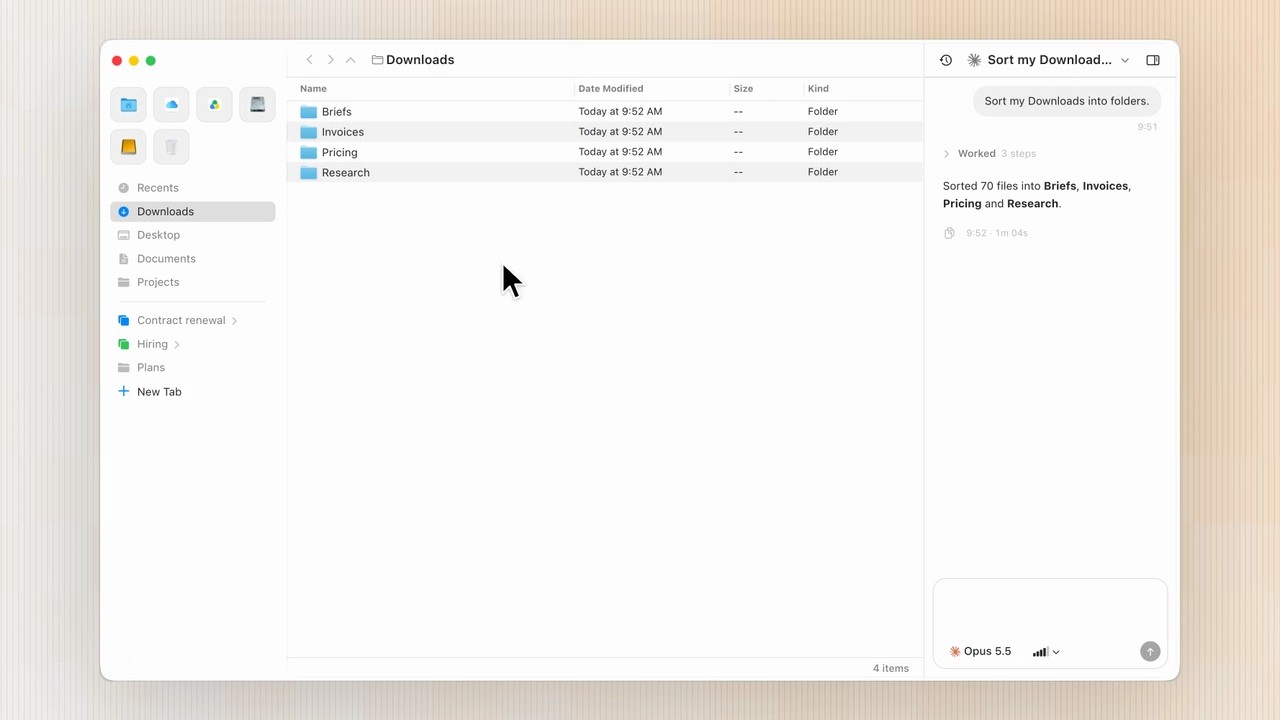
Voyager brings AI agents into your everyday file work on macOS. Find the files you need and work with AI agents using them as context, all within a familiar file browser. Meet a file browser built for finding your files and putting them to work with AI.
As we hand more work to AI agents, it becomes more important to keep track of what each task was based on and which results we chose to use. Files and outputs pile up, but when the context stays in chat threads and our heads, we end up explaining the same background again for the next task.
✴️ Here’s what you can do in Voyager today:
File browsing: Browse and manage your files as you would in Finder.
Agent chat: Bring the agent you already use into your file browser. Voyager currently supports Claude Code, Codex, and Hermes, and we’re working on support for more agents.
Tab workspace: Use Arc-like tabs to keep frequently used folders open, and organize your work and chats into tab groups.
All current Voyager features are free.