Glisio — Mac Screen Recorder & Screenshot Editor
Glisio is a powerful macOS screen recorder and screenshot editor built for creating professional product demos, software tutorials, app walkthroughs, and launch videos.
Record your entire display, a specific window, or a selected region with microphone and native system audio — no BlackHole or virtual audio drivers required. Glisio's smart auto-zoom follows your clicks automatically, while smooth cursor effects, customizable webcam layouts, backgrounds, and branding tools help you create polished, publish-ready videos without a complicated timeline editor.
Key Features
Smart Auto-Zoom: Automatically zoom in on clicks to highlight important details and create engaging software demos.
Native System Audio: Record Mac system audio and microphone input without BlackHole or virtual audio drivers.
Professional Cursor Effects: Smooth cursor movements with customizable size, color, and click highlights.
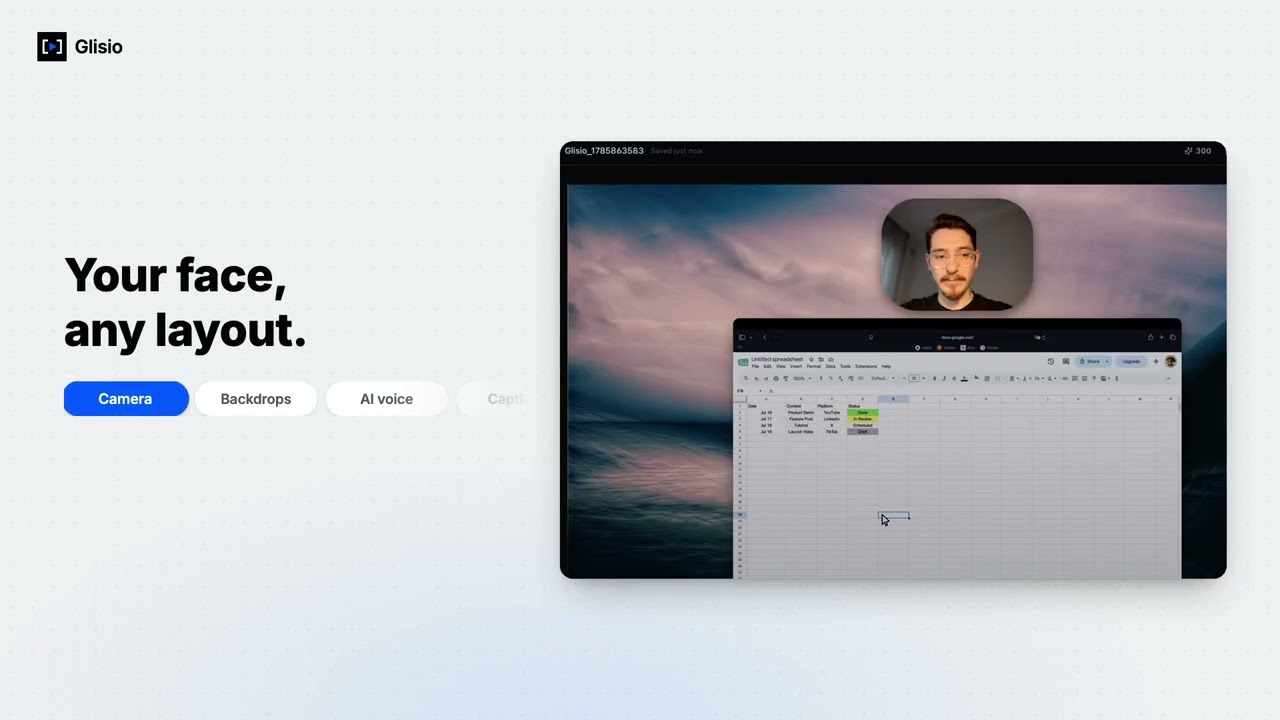
Webcam Recording: Choose overlay, split-screen, or edge layouts to personalize your videos.
Custom Backgrounds & Frames: Add wallpapers, gradients, solid colors, rounded corners, borders, shadows, and padding.
Snap Screenshot Editor: Capture your display, a window, or a selected region, then crop, customize backgrounds, annotate, and export screenshots.
Flexible Video Export: Export local MP4 videos in 16:9, 9:16, or 1:1 aspect ratios for YouTube, social media, product pages, and more.
AI Captions & Voiceovers: Enhance your videos with optional AI-generated captions and multilingual text-to-speech.
Local-First Workflow: Record, edit, and export directly on your Mac without requiring cloud uploads.
Free & Pro Plans
Start recording and editing for free. Free exports are limited to 30 seconds and include a watermark. Upgrade to Pro Lifetime for $79 to unlock full-length, watermark-free exports, or choose Pro+ for $14.99/month for Pro features and monthly AI credits.
Who Is Glisio For?
Glisio is designed for indie makers, startup founders, developers, designers, educators, and content creators who want to create high-quality Mac screen recordings without spending hours editing.
Whether you're showcasing a new app, recording a product demo, creating a software tutorial, or preparing a launch video, Glisio helps you turn ordinary screen recordings into professional content.
Looking for a Mac screen recorder with automatic zoom, native system audio, and a built-in screenshot editor? Discover Glisio and create better demos with less effort.
Website: https://glisio.com